
Contacts and groups
How Whatomato knows the people saved on your phone, and how to send to a contact, to a number that isn't saved, or to a group.
Contacts
Section titled “Contacts”Your phone shares its address book with every linked device, and Whatomato keeps a copy so a message can go to a name. The first connection after linking brings the whole book over once. After that each change on the phone arrives as it’s made.
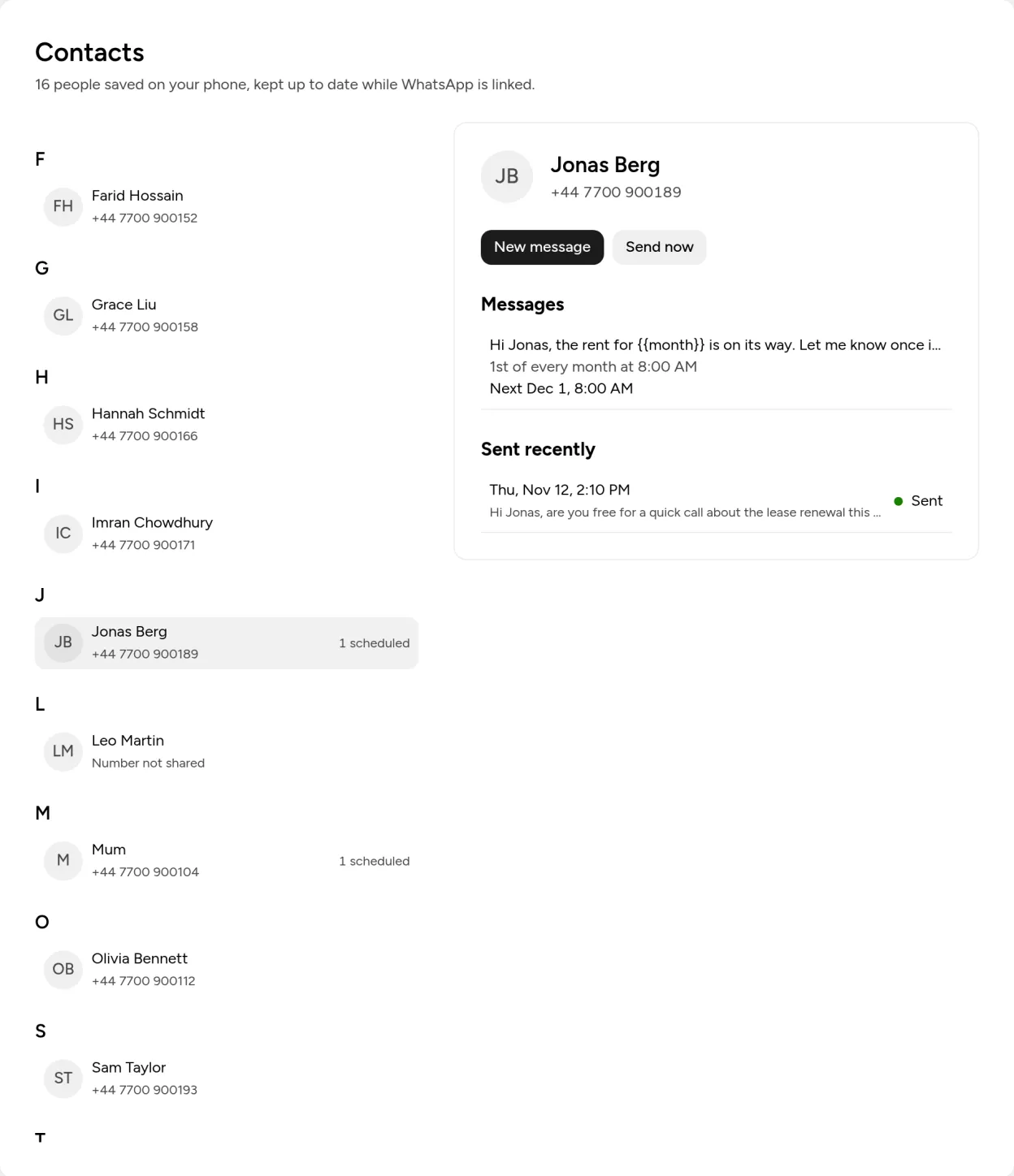
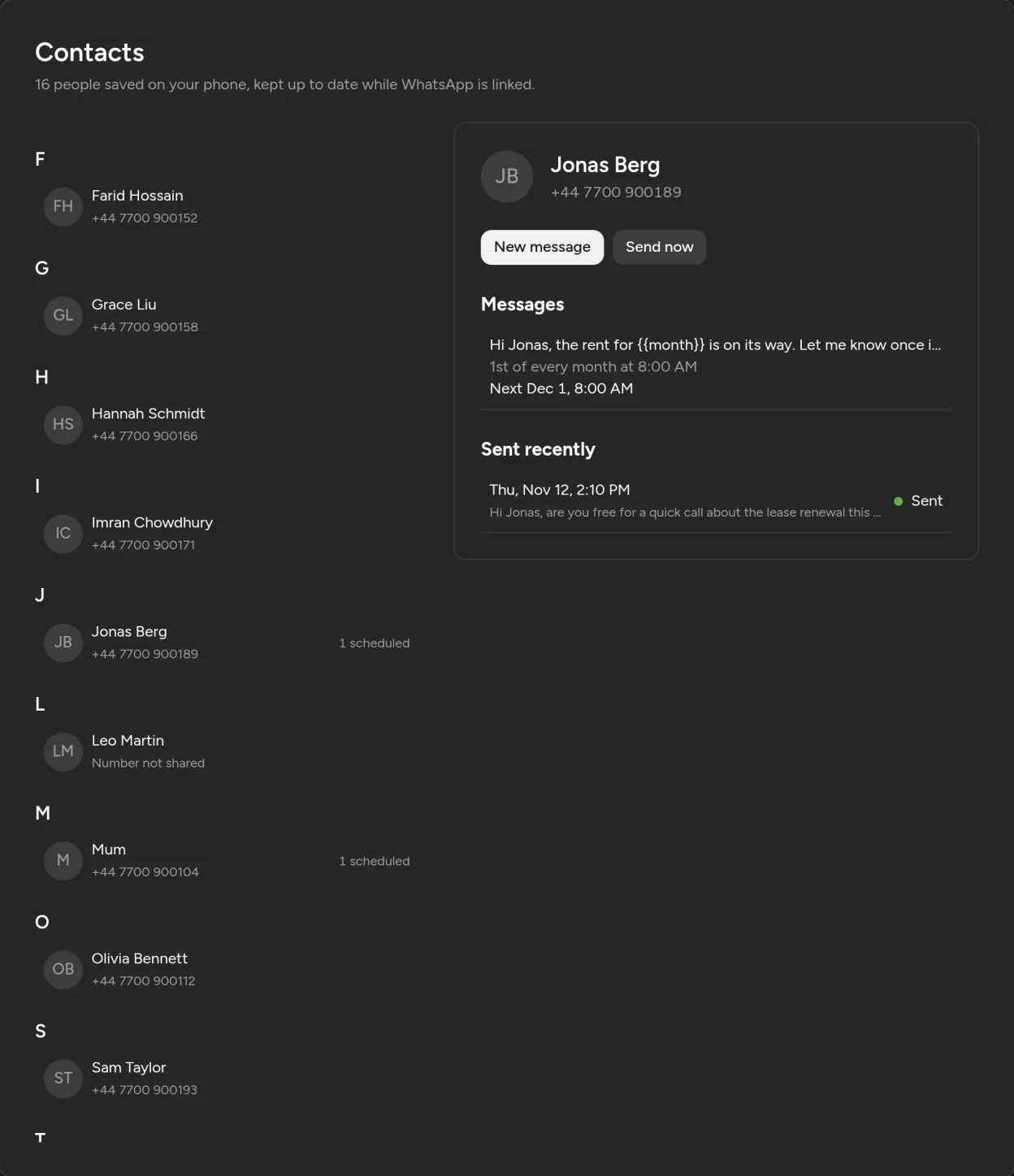
The Contacts page lists everyone, grouped A to Z. Search matches any part of a name, or two or more digits of a number.
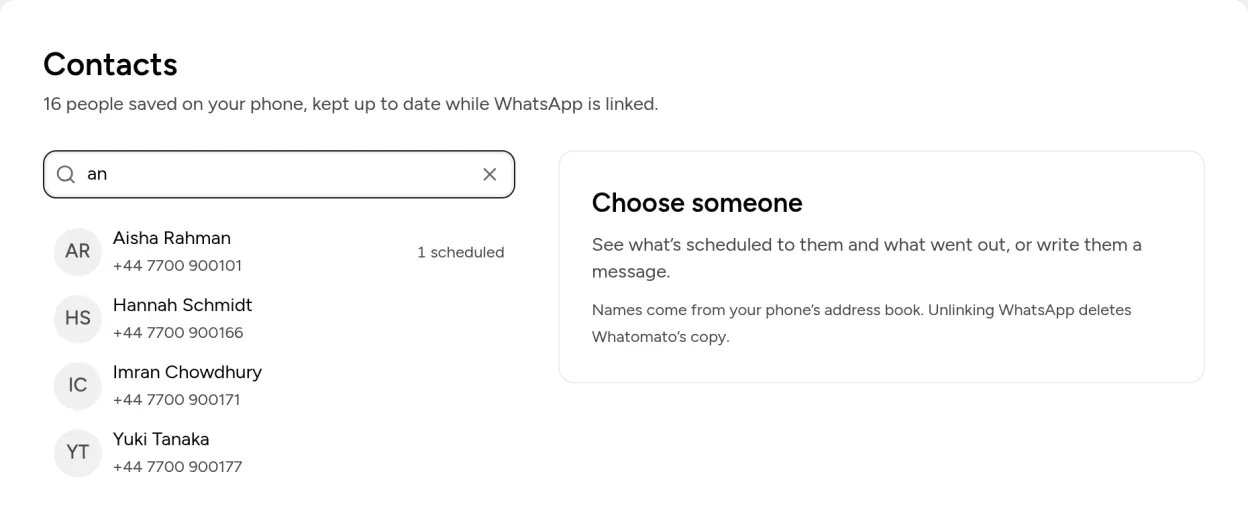
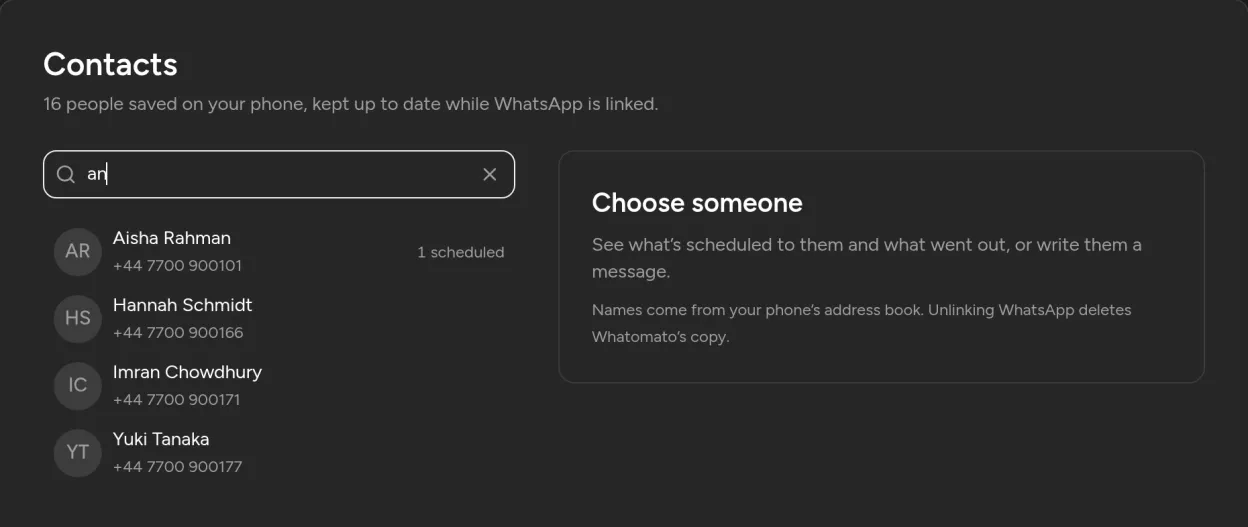
Choose someone to see what’s scheduled to them and what went out recently, and to write to them with New message or Send now.
A few things to know:
- Contacts can’t be added or edited in Whatomato. Change them on your phone and the change comes through while WhatsApp is linked.
- Number not shared means WhatsApp hasn’t given linked devices that person’s number. Whatomato can’t send to them.
- A contact with no name saved is left out.
- The copy stays readable while WhatsApp is paused. A paused account doesn’t receive changes.
- Unlinking deletes the copy.
Names are stored encrypted. See What’s stored.
A number that isn’t saved
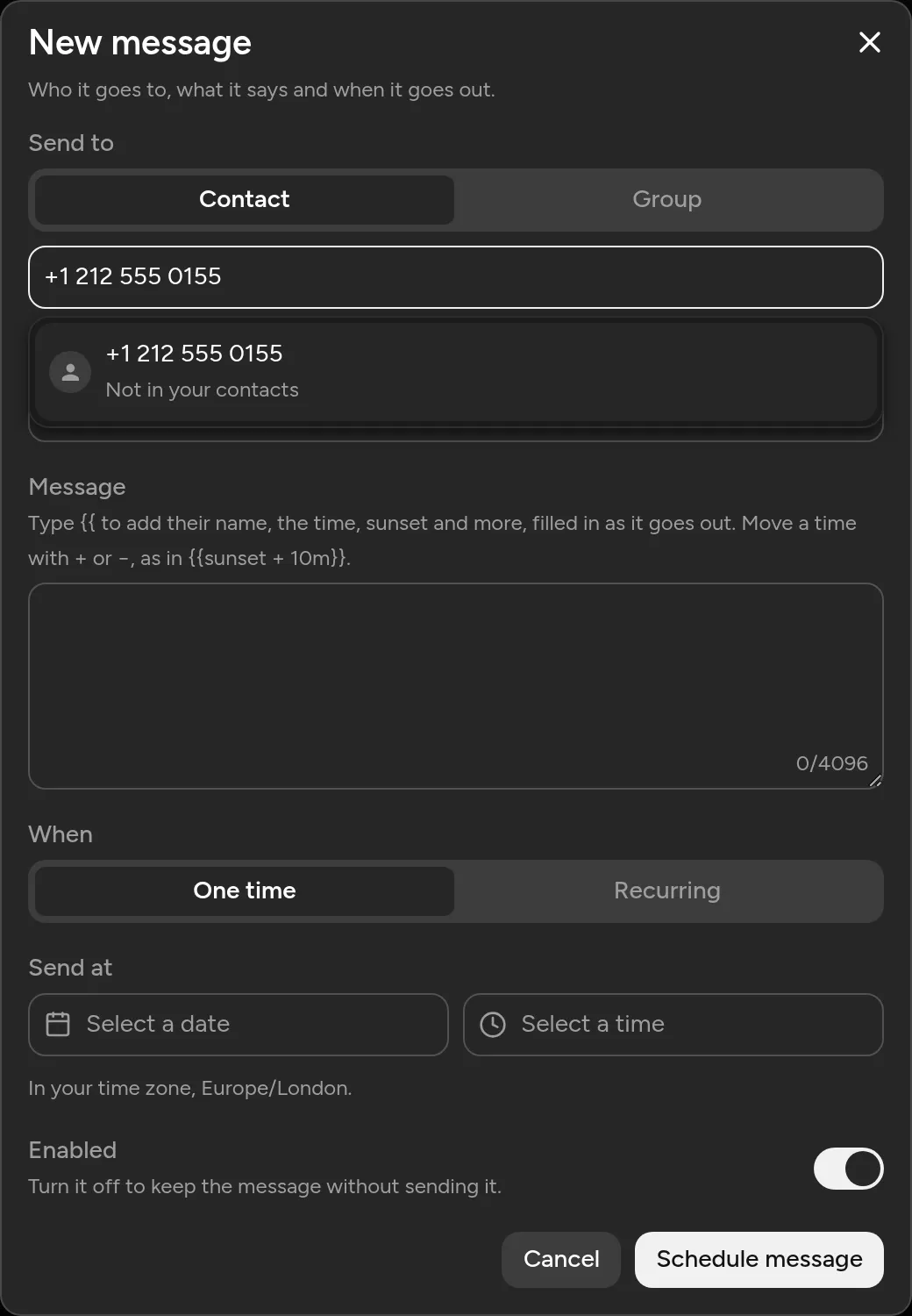
Section titled “A number that isn’t saved”In a message’s Send to box, type the whole number with its country code, for example +1 212 555 0123. The number may hold digits, spaces, +, - and brackets, and has 8 to 15 digits. It can’t start with 0: write the country code in place of the leading zero.
Whatomato offers the number at the top of the list, marked Not in your contacts. It offers only a number that is valid for its country code; for anything else the list says No contact matches.
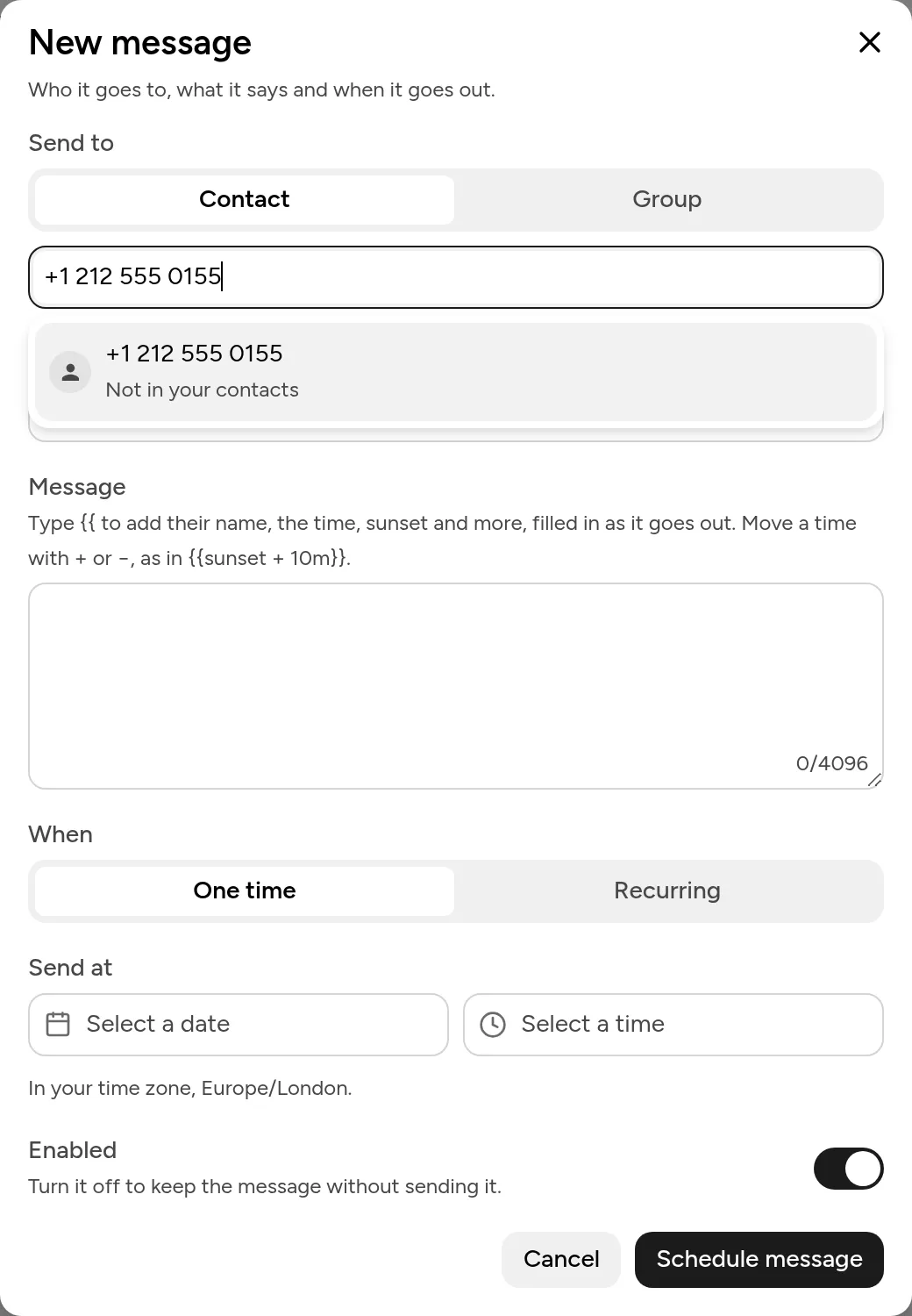
Whether the number is on WhatsApp is checked when the message is due, not when you save. A number that isn’t shows in History as failed with “This number isn’t on WhatsApp”.
Groups
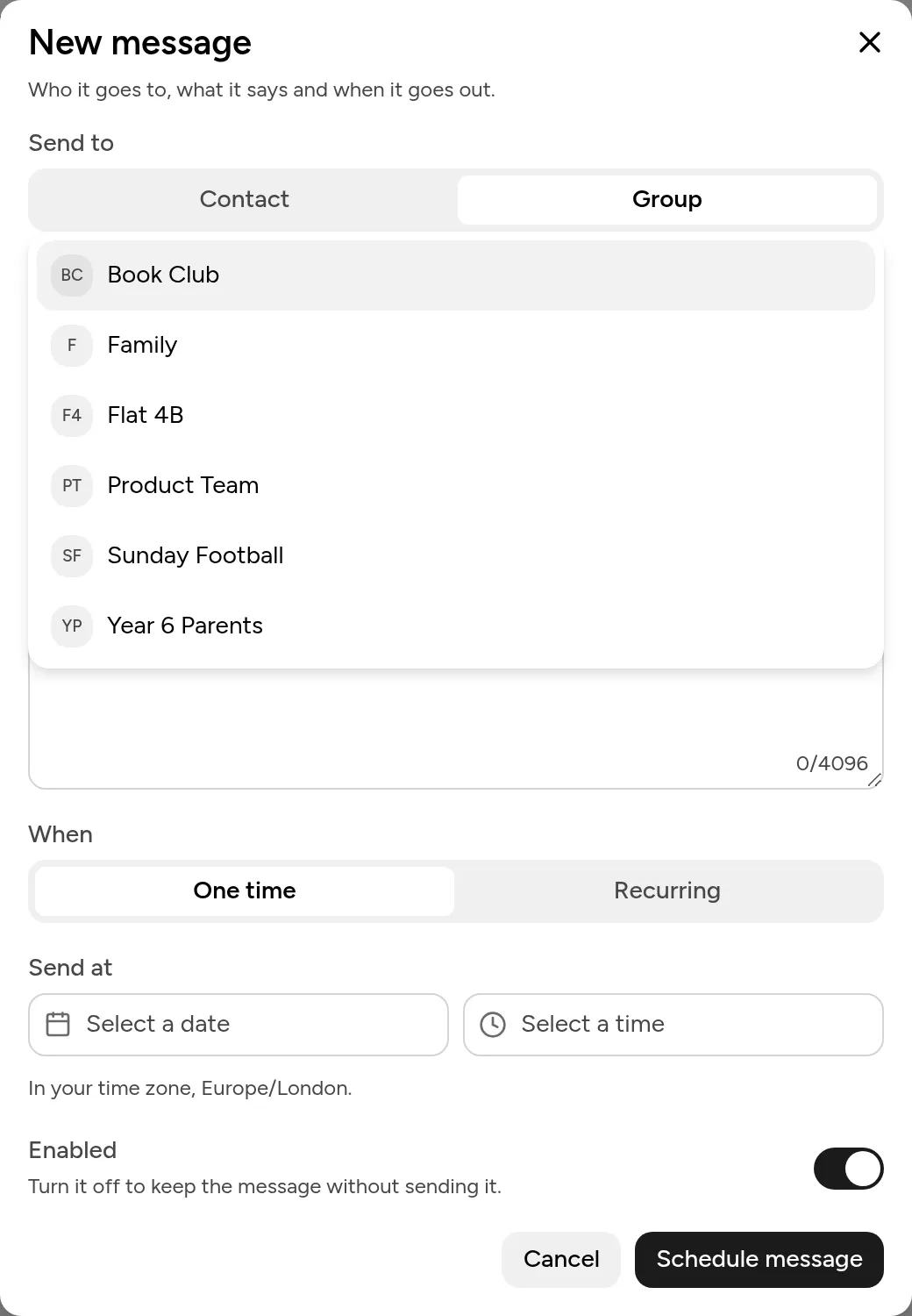
Section titled “Groups”Whatomato can send to any group your number is in. Groups aren’t stored: they’re fetched from WhatsApp when needed, so they only load while WhatsApp is connected.
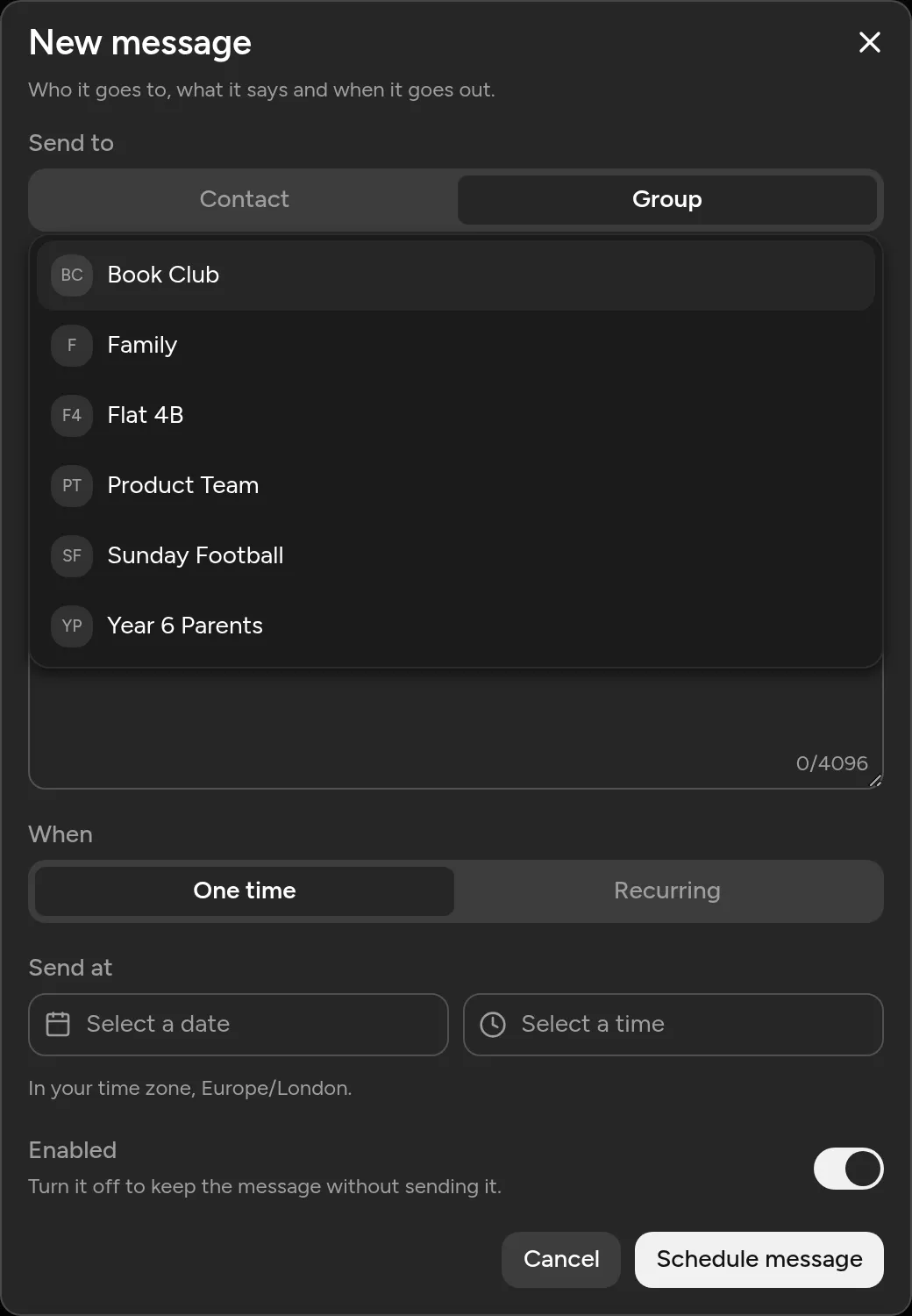
- In a message, choose Group under Send to and pick one.
- The WhatsApp page lists the groups your number is in while it’s connected.
- Groups don’t appear on the Contacts page.
A message keeps the group’s name as it was when you picked it. A group with no name shows as Unnamed group.
Profile pictures
Section titled “Profile pictures”Pictures of saved contacts and groups show while WhatsApp is connected. They’re looked up when the app needs them and kept in the server’s memory for a few hours, never in the database. At other times you see initials.