
Reading chats
On an instance that turns reading on, a connection can read and search the chats you choose, as far back as you allow, reply to a message, and tag people in a group.
Reading is off unless the server runs with AGENT_READING=on. I keep it off on the hosted instance for now, so this page applies to instances you run yourself. While it’s off, no received message is stored and the reading controls don’t appear.
Turn it on for a chat
Section titled “Turn it on for a chat”With reading available, each chat rule gets a Read choice, and under All chats the rule for every other chat gets It may read messages. No preset turns it on. See Permissions.
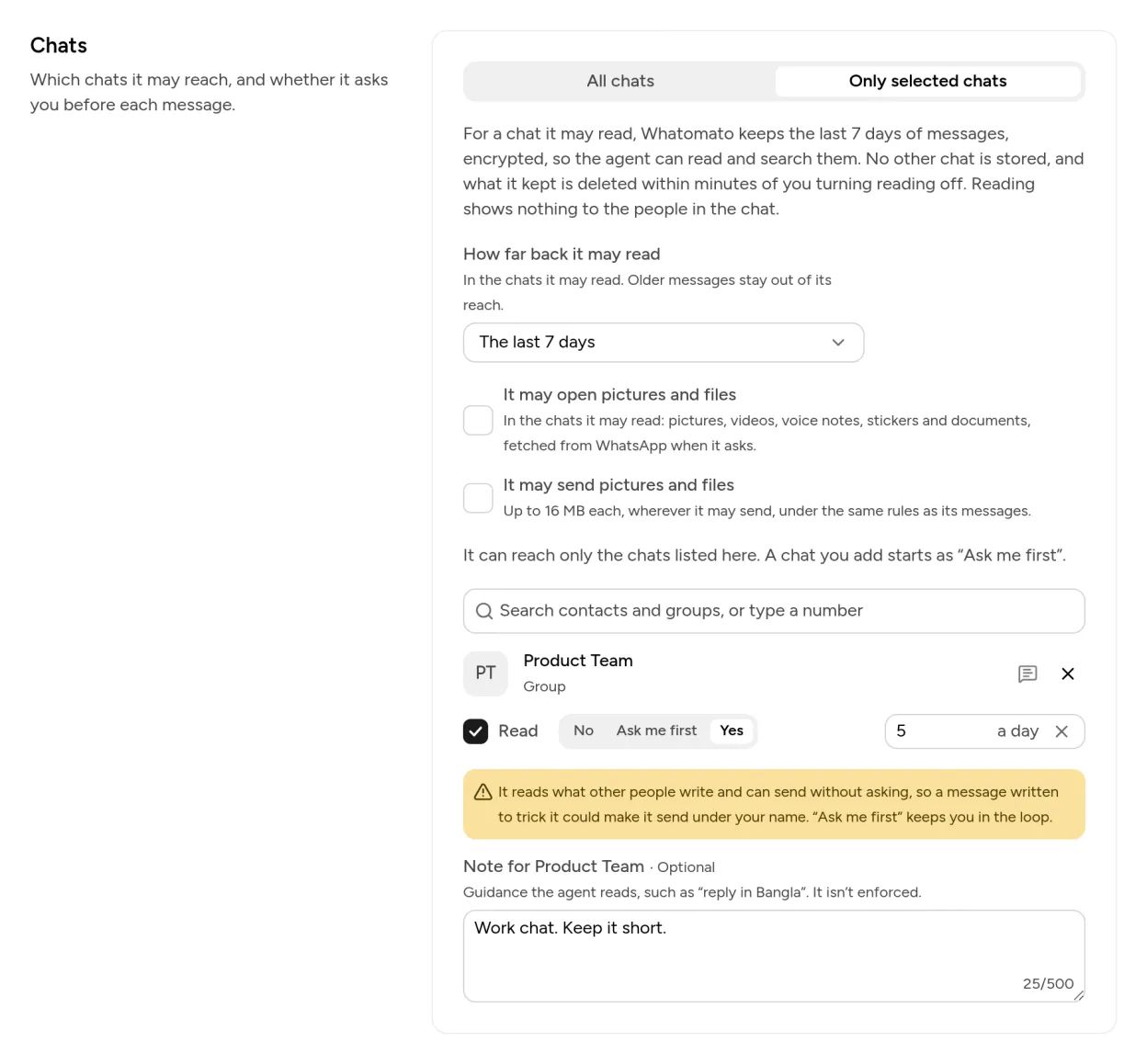
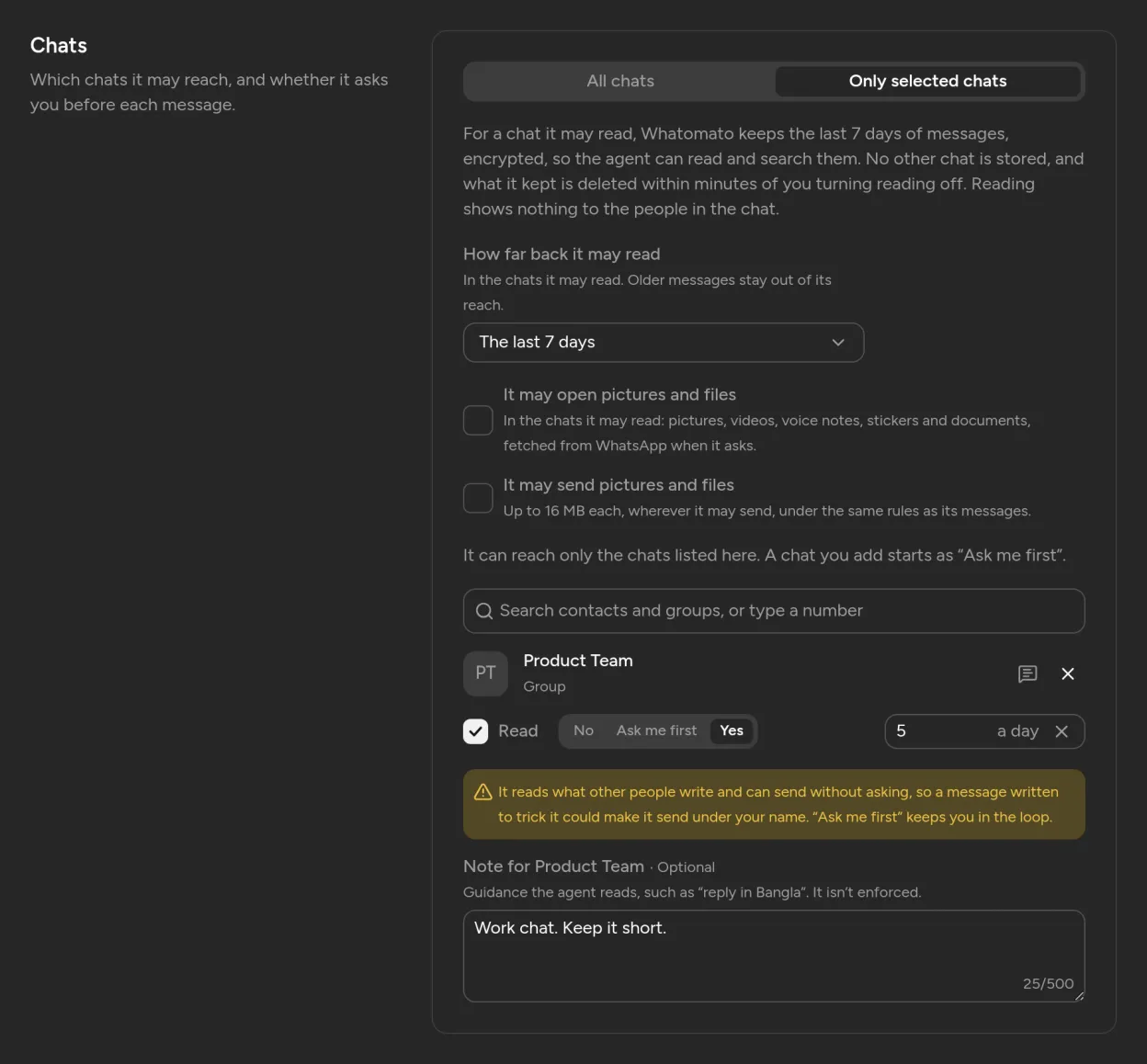
A connection that may read a chat gets three more tools: list_chats for the chats with recent messages, read_messages for one chat, and search_messages to find text.
What it can read
Section titled “What it can read”As far back as two things allow, whichever is shorter:
- How far back it may read, in the connection’s permissions: The last 7 days, The last 30 days, The last 3 months, The last year or Everything Whatomato keeps. A new connection reads the last 7 days.
- What Whatomato keeps, which you choose on the WhatsApp page under Message history.
Unless you keep message history, Whatomato keeps 7 days of a chat only from when a connection may read it, and a message that arrived before then is never available. Reading starts within about 15 seconds of saving the permission.
Each reading tool’s answer says how far back the connection can see, in readable_since. Reading sends no read receipt and doesn’t mark anything as read on your phone.
Keep message history
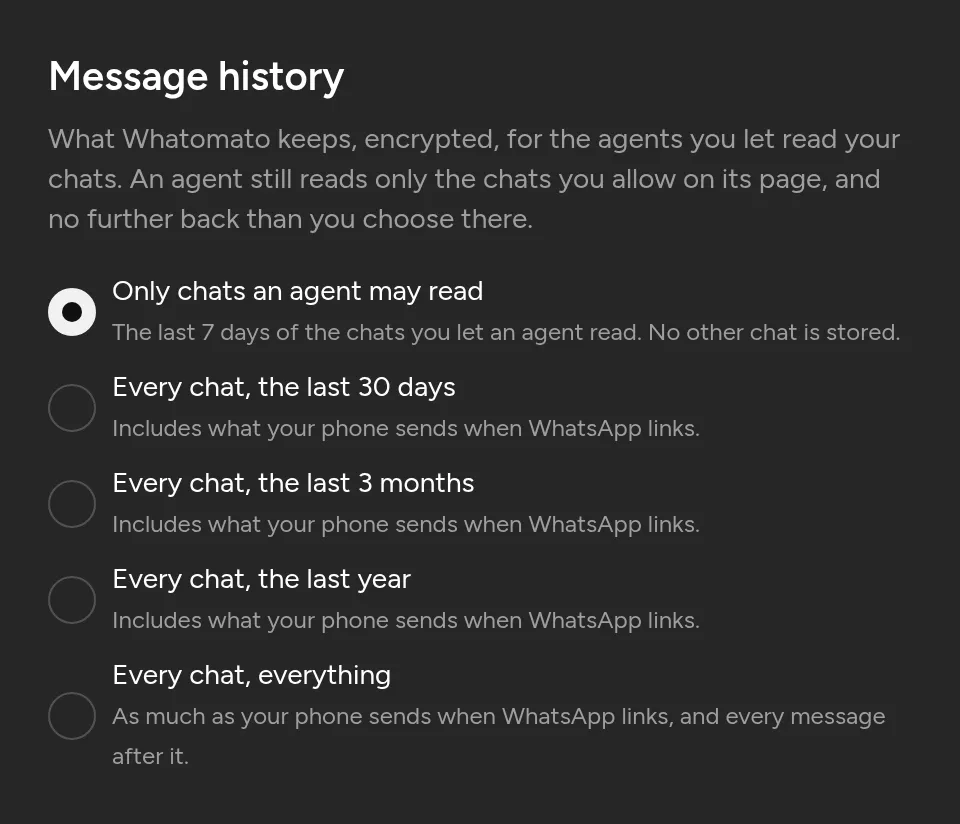
Section titled “Keep message history”On the WhatsApp page, Message history chooses what Whatomato keeps for agents to read:
- Only chats an agent may read, the default: the last 7 days of those chats, and no other chat.
- Every chat, the last 30 days, the last 3 months or the last year.
- Every chat, everything.
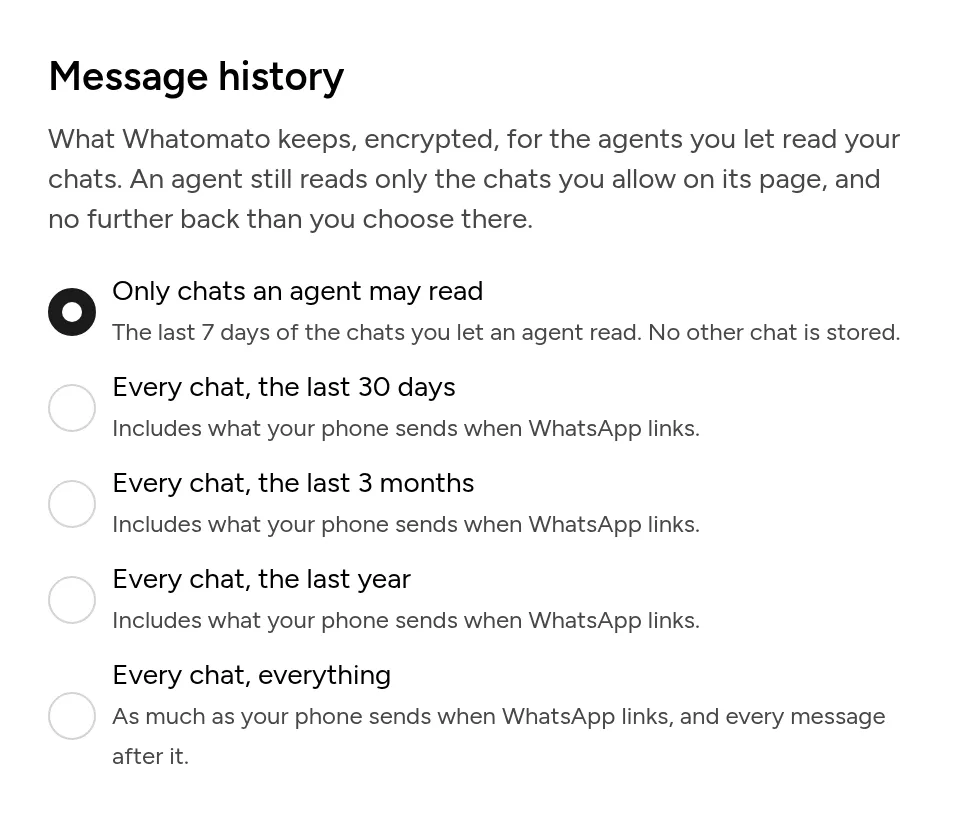
Keeping every chat also keeps the history your phone sends when WhatsApp links. Your phone sends it only while linking, so if you turn this on with WhatsApp already linked, new messages are kept from then on and older ones need Link WhatsApp again. That unlinks and shows a new QR code; once your phone scans it, the older messages come in over the next minutes, and the page shows how far it has got. I haven’t found a limit on how far back a phone sends, but phones seem to stop around three years.
An agent still reads only the chats its permissions allow, and no further back than it may. Choosing to keep less, or turning it off, deletes what falls outside within a few minutes, after you confirm.
What’s kept
Section titled “What’s kept”For the chats some connection may read, or every chat while you keep message history, Whatomato keeps each message for 7 days or as long as you chose:
- which chat, when, and whether you sent it, in the clear;
- who wrote it and the text, sealed with the instance’s encryption key.
Pictures and files aren’t kept, only their captions and file names. Without message history, a message that arrives for any other chat is dropped in memory and never written.
So that search_messages can find a message without its text being stored in the clear, each message also gets a set of search terms: keyed hashes of every three characters of its text, made with the instance’s encryption key. They can’t be turned back into the text, though messages that share words share terms. A search finds the messages holding every term of the query, then opens them to check.
Some messages are never kept, or go early:
- view-once messages are never kept;
- a disappearing message goes when its timer ends;
- a message deleted on WhatsApp, for everyone or just for you, is deleted here, and so is a chat you clear;
- an edit replaces the kept text.
Without message history, when no connection may read a chat any more, what was kept of it is deleted within a few minutes. A paused connection still counts as reading; an expired or revoked one doesn’t.
Pictures and files
Section titled “Pictures and files”With It may open pictures and files on, a connection can open the picture, video, voice note, sticker or document of a message it may read, with get_attachment. A picture comes back for the agent to look at.
Whatomato doesn’t store the file. It keeps only what WhatsApp needs to hand it over again, sealed with the message, and fetches the file when the agent asks. So WhatsApp has to be connected, and a file WhatsApp has dropped is asked of your phone again. Messages kept before this feature have no such details, so their files can’t be opened. Files are opened up to 16 MB.
Replying to a message
Section titled “Replying to a message”An agent that read a message can answer it, yours or anyone else’s, and the reply quotes it on WhatsApp. A reply follows the chat’s sending rule like any other message, so with “Ask me first” it waits for you.
If the quoted message is no longer kept by the time the reply goes out, the reply is sent as an ordinary message.
When a message tags people, the agent sees whom, by name and number, and which tags are you.
In a group it can tag people too. Their phones show their names and notify them, so a tag reaches someone who muted the group. If you edit an agent’s text before approving it and take a tag out, that person isn’t tagged.
Before you turn it on
Section titled “Before you turn it on”Whatever an agent reads goes to the company that runs its model. And anyone who can message you can put text in front of an agent that reads that chat, so a message can try to steer it.
Keep sending on “Ask me first” for chats it reads, unless you trust everyone in them. Staying safe says more.