
Pause, revoke and review
Stop an agent for a while or for good, replace a key, and read the log of what each agent did.
Pause and resume
Section titled “Pause and resume”Pause on a connection refuses the agent until you resume it, and holds the messages it scheduled: a run that comes due while it’s paused is skipped, and History shows it as failed with the reason. Pause all on the Agents page does the same for every connection at once.
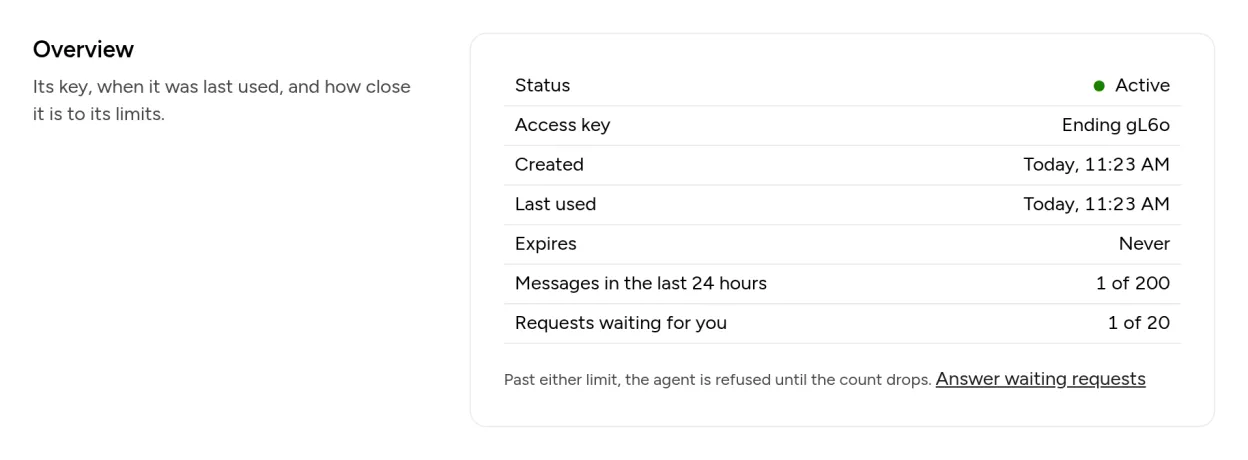
Pausing deletes nothing, needs no password and sends no email. Requests that were waiting for your approval stay waiting, and approving one still sends it.
Resume is per connection.
Revoke
Section titled “Revoke”Revoke deletes a connection for good. Its key or sign-in stops working at once, and it can’t be undone: to use the agent again, create a new connection.
If the agent created or changed scheduled messages, the dialog offers to delete them too and does so unless you untick it. If you keep them, they become yours and keep going out.
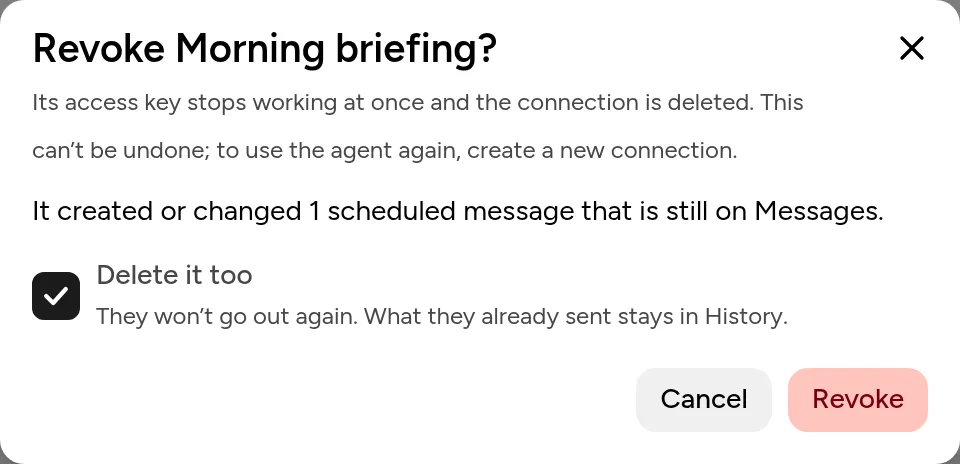
Revoking also deletes the connection’s approval requests. What it sent stays in History, and its entries stay in the activity log.
An expired connection
Section titled “An expired connection”A connection with an expiry date stops working when the date passes. The agent is refused and its scheduled messages are skipped. An expired connection can’t be brought back; revoke it and create a new one.
Scheduled messages an agent made
Section titled “Scheduled messages an agent made”A scheduled message belongs to whoever last decided what it sends:
- one an agent creates is the agent’s;
- one an agent changes without needing your approval becomes that agent’s;
- one you edit in Whatomato becomes yours;
- approving an agent’s change, or the agent switching a message off, leaves it with whoever had it.
On the Messages page and in History, an agent’s messages carry its name.
An agent’s scheduled message is checked again each time it’s due. If the connection is paused or expired, is over a limit, or the chat’s rule now says no, that run is skipped and shows in History as failed with a reason that begins “Not sent:”. Skips in a row for the same reason show once. The schedule still moves on to its next time.
The activity log
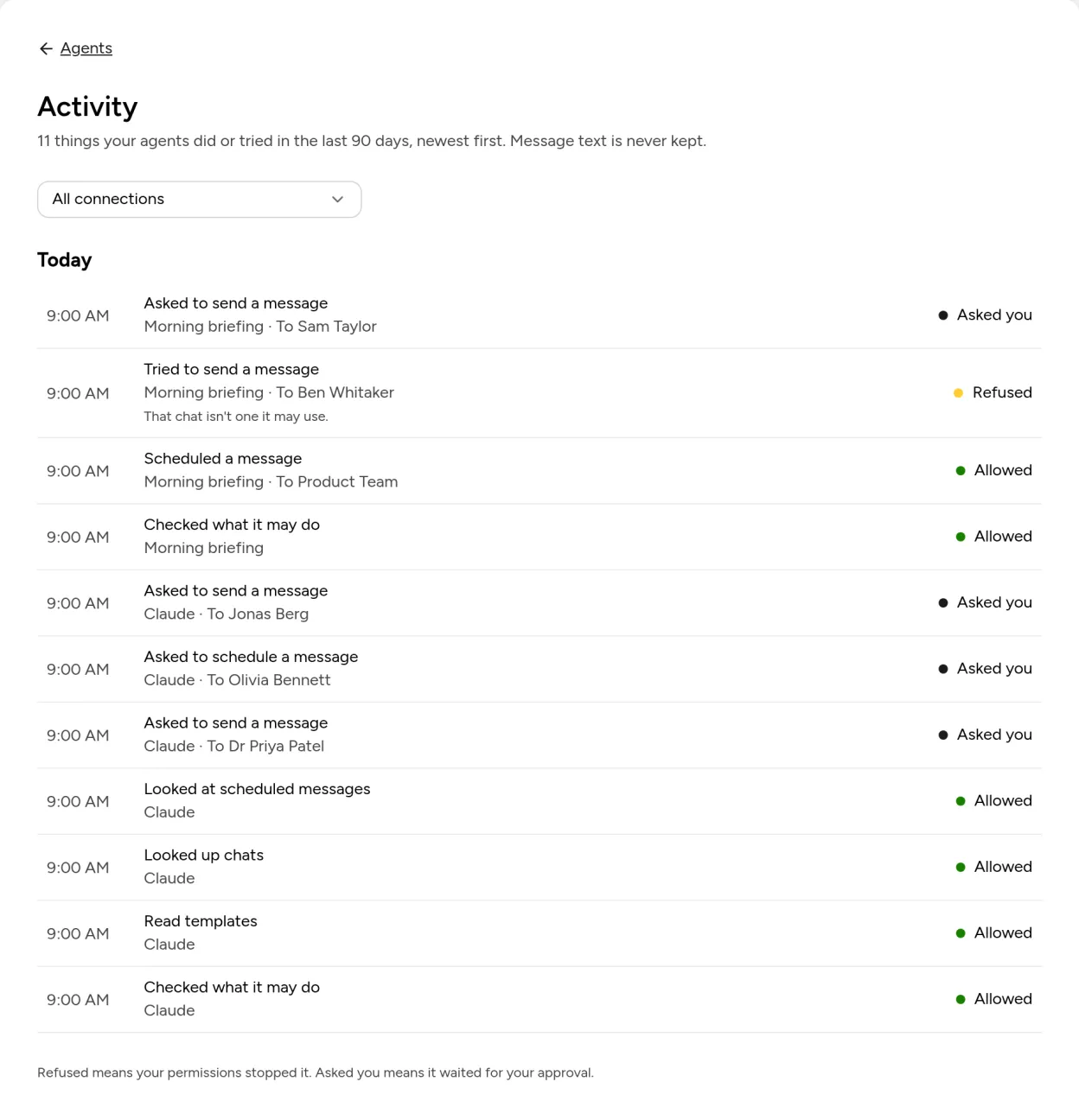
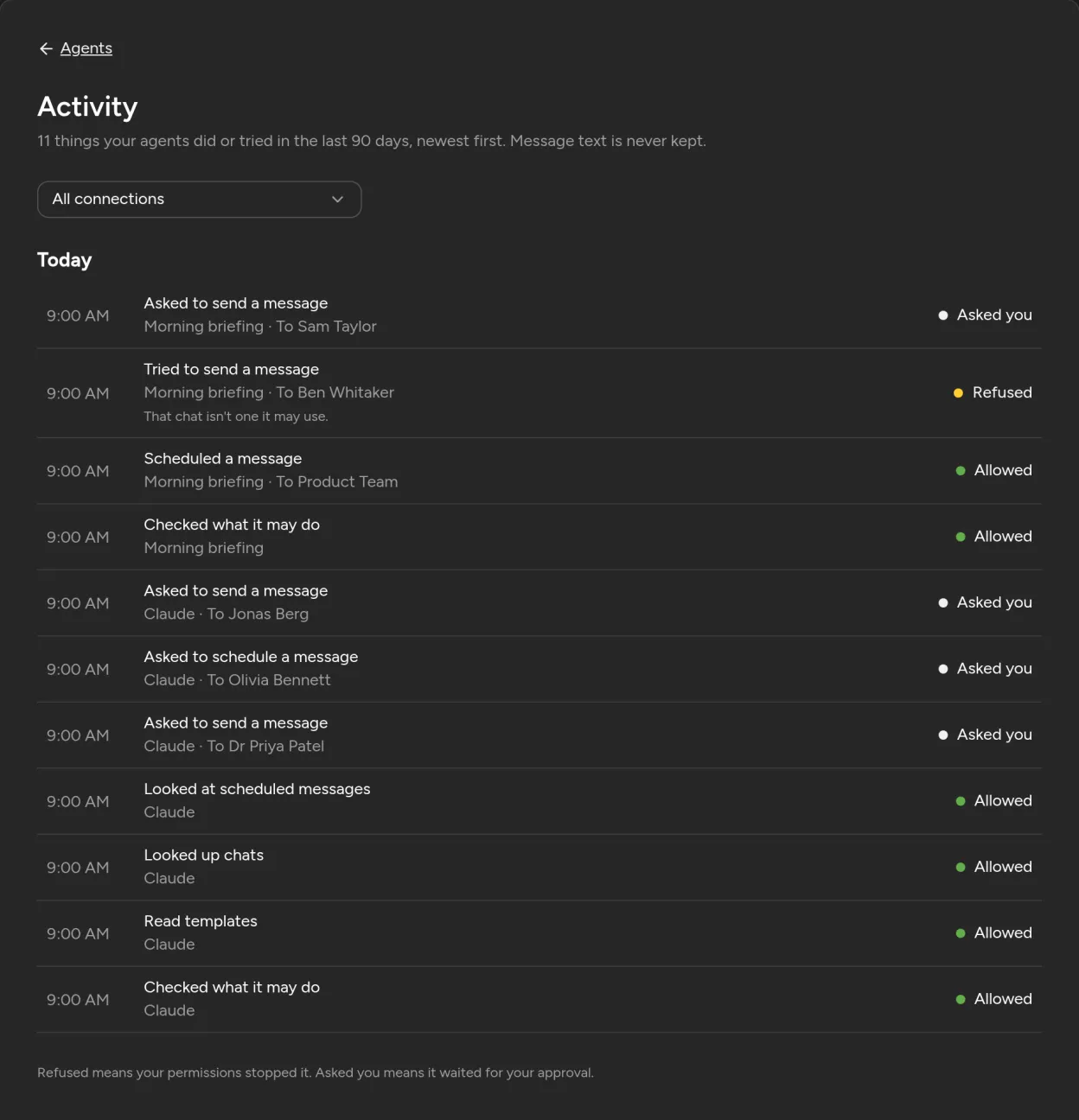
Section titled “The activity log”Activity on the Agents page lists the calls agents made in the last 90 days, newest first, and each connection’s page shows its most recent ones. An entry records the time, the connection, what it did, the chat it named and the outcome:
| Outcome | Meaning |
|---|---|
| Allowed | The call went through. |
| Asked you | It became a request waiting for your approval. |
| Refused | Your permissions or a limit stopped it. |
| Failed | Something else went wrong, such as WhatsApp not being connected. |
The log never holds message text or what an agent searched for. A call that was turned away before it reached a tool, for instance from a paused connection or with a wrong key, isn’t listed.
Emails about agents
Section titled “Emails about agents”Whatomato emails you when:
- a connection is created or an app signs in for the first time;
- a connection’s permissions change;
- a key is replaced;
- a request is waiting for your approval.
If one arrives that you didn’t cause, choose Pause all on the Agents page, then change your password.