
Permissions
What a connection may do, chat by chat, and the presets that set it up in one choice.
A connection’s permissions say which chats the agent may reach, whether it asks you before each message, and what else of your account it may see. You set them when you create the connection and can change them from its page on Agents.
Presets
Section titled “Presets”A connection starts from one of these. Anything you then change makes it Custom.
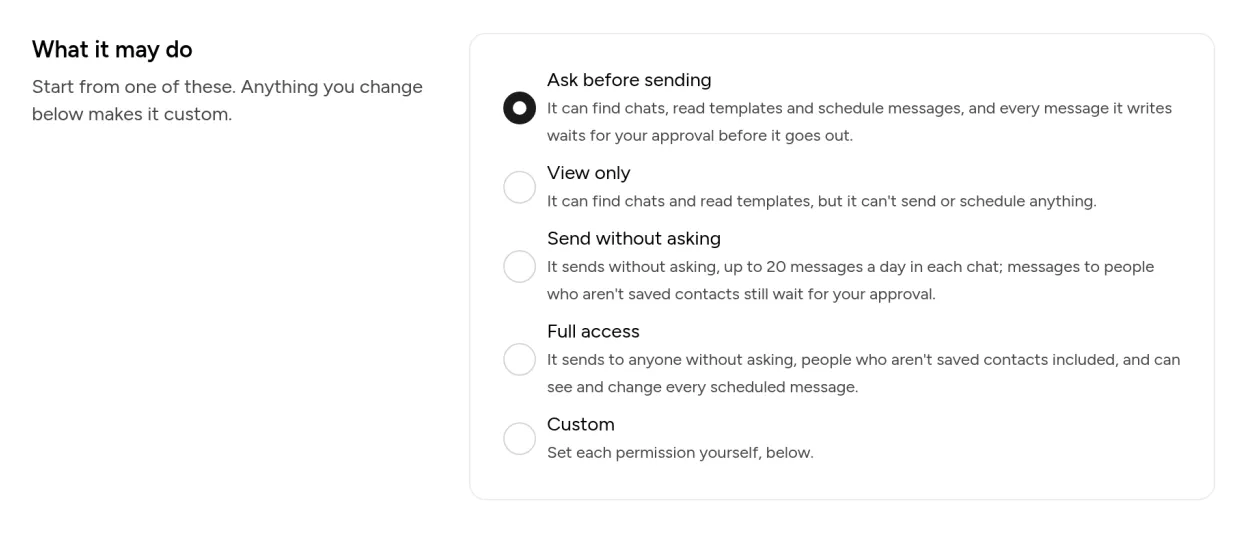
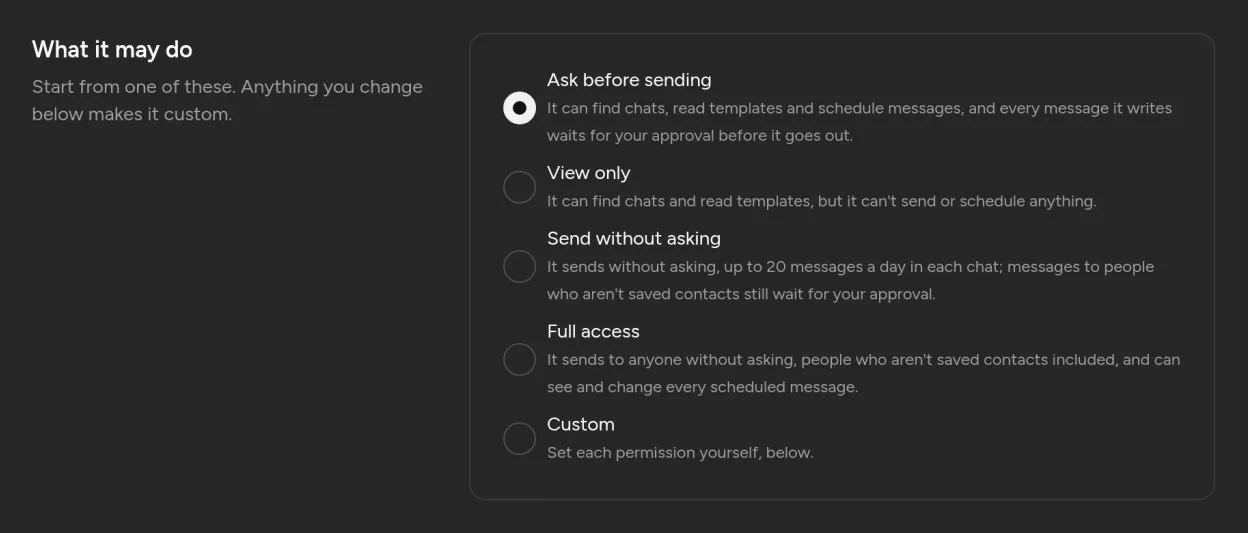
| Preset | Sending | People who aren’t saved contacts | Scheduled messages | History |
|---|---|---|---|---|
| Ask before sending (the default) | Every message waits for your approval | Ask me first | Its own | Its own messages |
| View only | Can’t send | Never | None | Its own messages |
| Send without asking | Sends without asking, up to 20 messages a day in each chat | Ask me first | Its own | Its own messages |
| Full access | Sends without asking | Allowed | All | All |
All four let the agent find contacts and groups by name and read your templates. None of them turns reading on.
A connection covers All chats or Only selected chats.
With All chats, one rule applies to every chat, and you can list exceptions: chats with a rule of their own.
With Only selected chats, the agent can reach only the chats you list. Everything else is refused, and what the agent sees of your scheduled messages and history stops at those chats too, plus whatever it made itself.
A chat’s rule
Section titled “A chat’s rule”| Setting | Choices | What it does |
|---|---|---|
| May it send | No, Ask me first, Yes | Whether a message to this chat is refused, waits for your approval, or goes out. |
| Daily limit per chat | A number up to 200, or no limit | Messages a day to this one chat. Past it the agent is refused; the message isn’t turned into a request. |
| Read | On or off | Whether it may read this chat. Shown only where reading is turned on. |
| Note | Up to 500 characters | Guidance the agent reads, such as “reply in Bangla”. Nothing enforces it. |
A chat you add never starts higher than “Ask me first”, even when the rule above it says “Yes”. Raise it yourself if you mean to.
Two switches cover pictures and files, apart from text, and both start off:
- It may open pictures and files, shown once it may read a chat, lets it open what the chats it may read carry. See Reading chats.
- It may send pictures and files lets it send one, up to 16 MB, wherever it may send, under the same rules as its messages: “Ask me first” shows you the file before it goes.
Once it may read at least one chat, How far back it may read sets how old a message it can see there, from The last 7 days to Everything Whatomato keeps. It never reads further back than Whatomato keeps; Reading chats explains both.
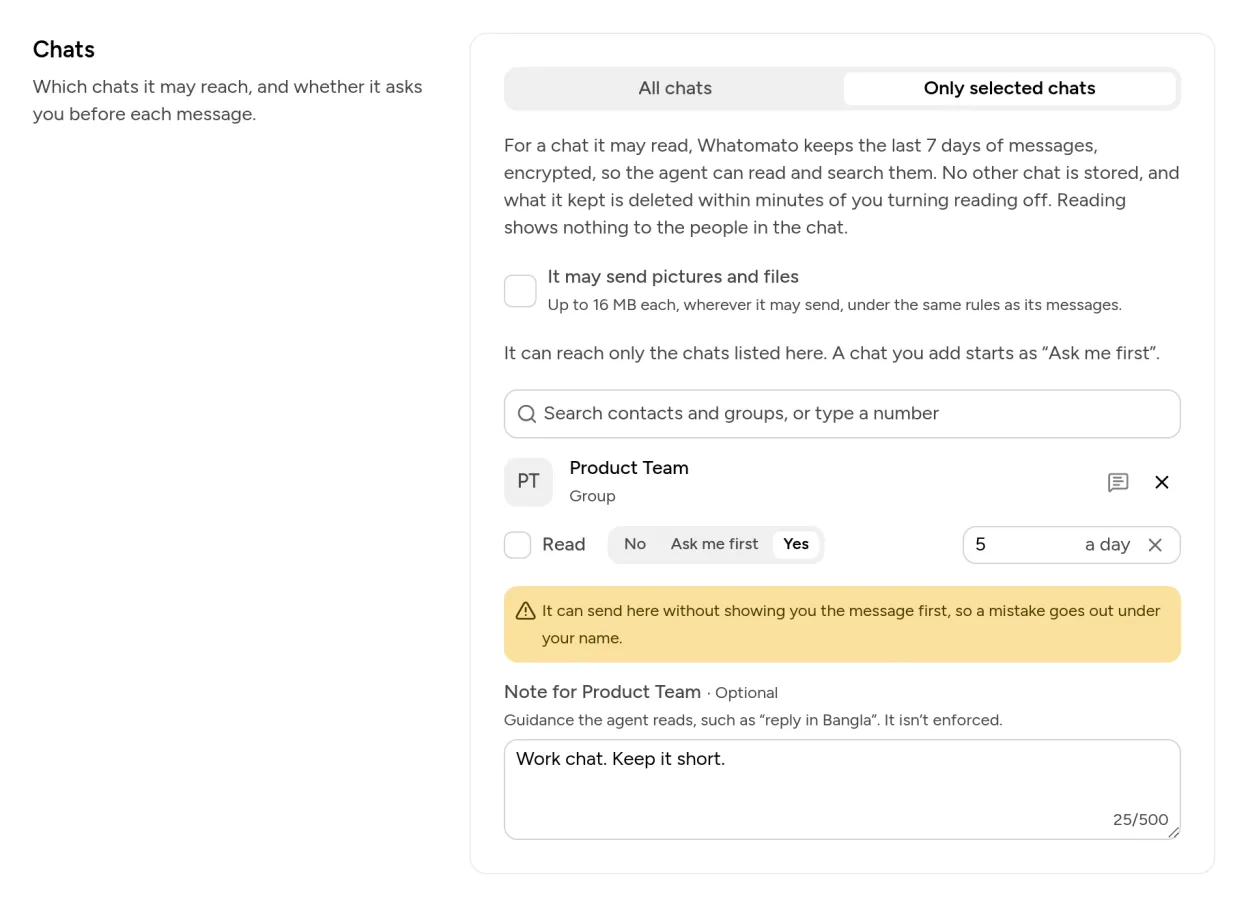
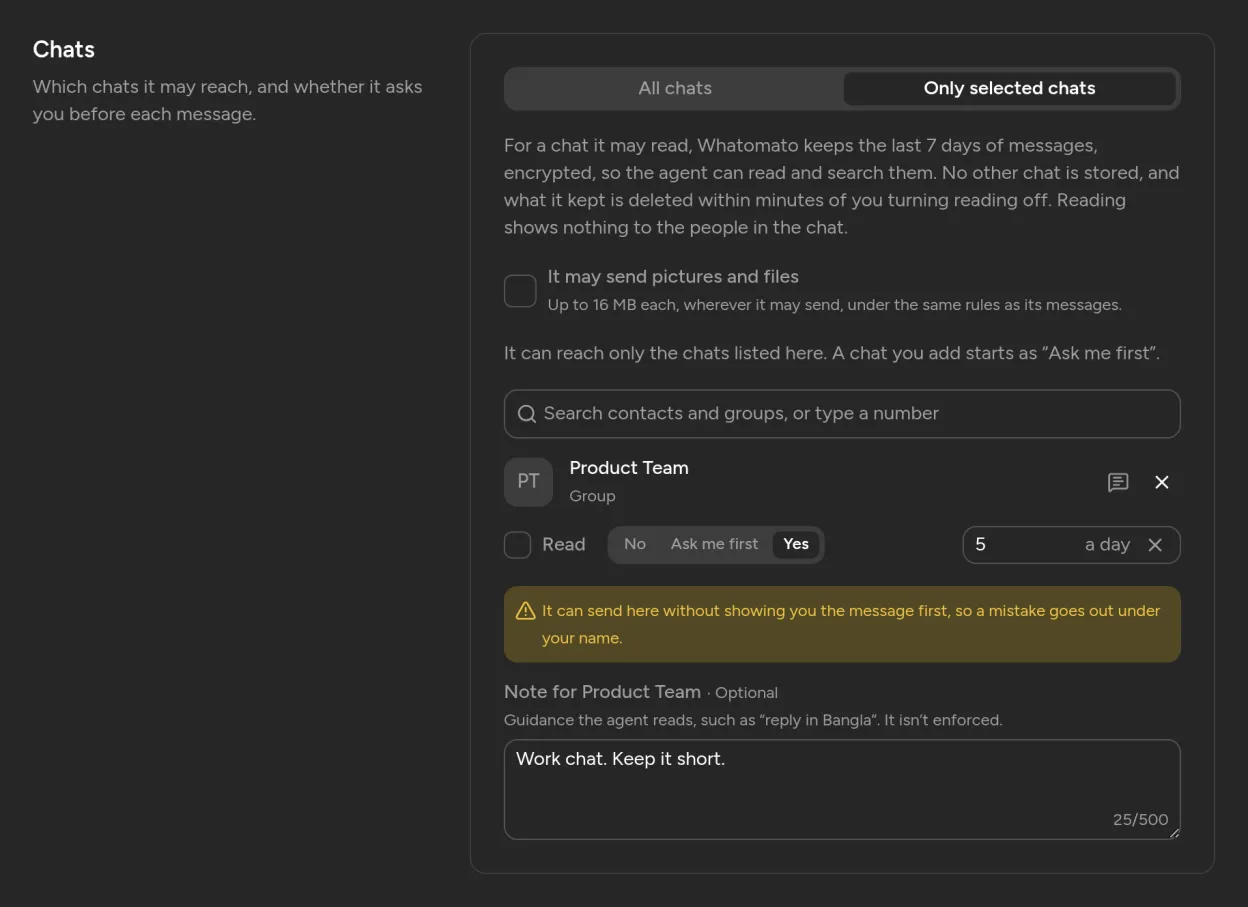
A connection can list up to 500 chats.
What counts toward a daily limit
Section titled “What counts toward a daily limit”The limit counts what the connection sent to that chat in the last 24 hours: messages it sent directly, messages you approved, runs of its scheduled messages, and requests still waiting for you.
People who aren’t saved contacts
Section titled “People who aren’t saved contacts”Messaging strangers is a known reason WhatsApp bans accounts, and the easiest way for a tricked agent to send your data to someone. So it has its own setting: Never, Ask me first or Allowed.


It applies to a number that isn’t in your contacts and has no rule of its own. With “Ask me first”, a message to such a number waits for your approval even where the chat rule says “Yes”. Groups are never treated as strangers.
To let an agent write to one unsaved number without opening the door to all of them, give that number a rule of its own.
The rest of the account
Section titled “The rest of the account”| Setting | Choices | What it allows |
|---|---|---|
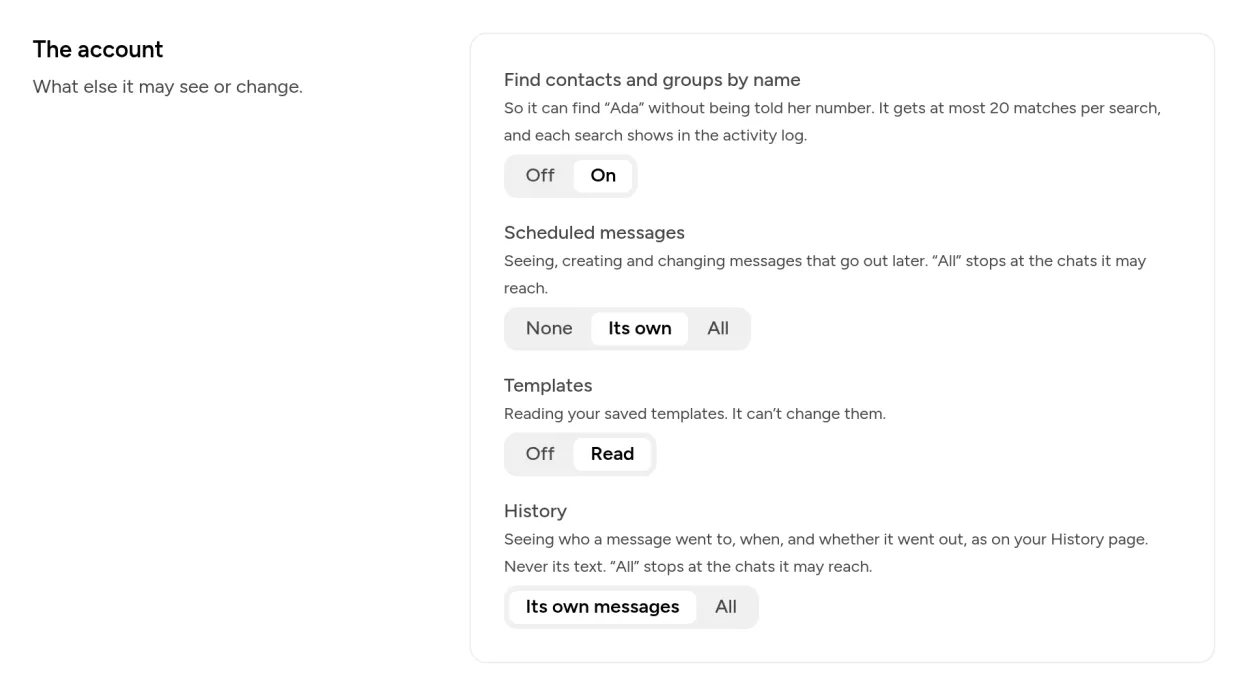
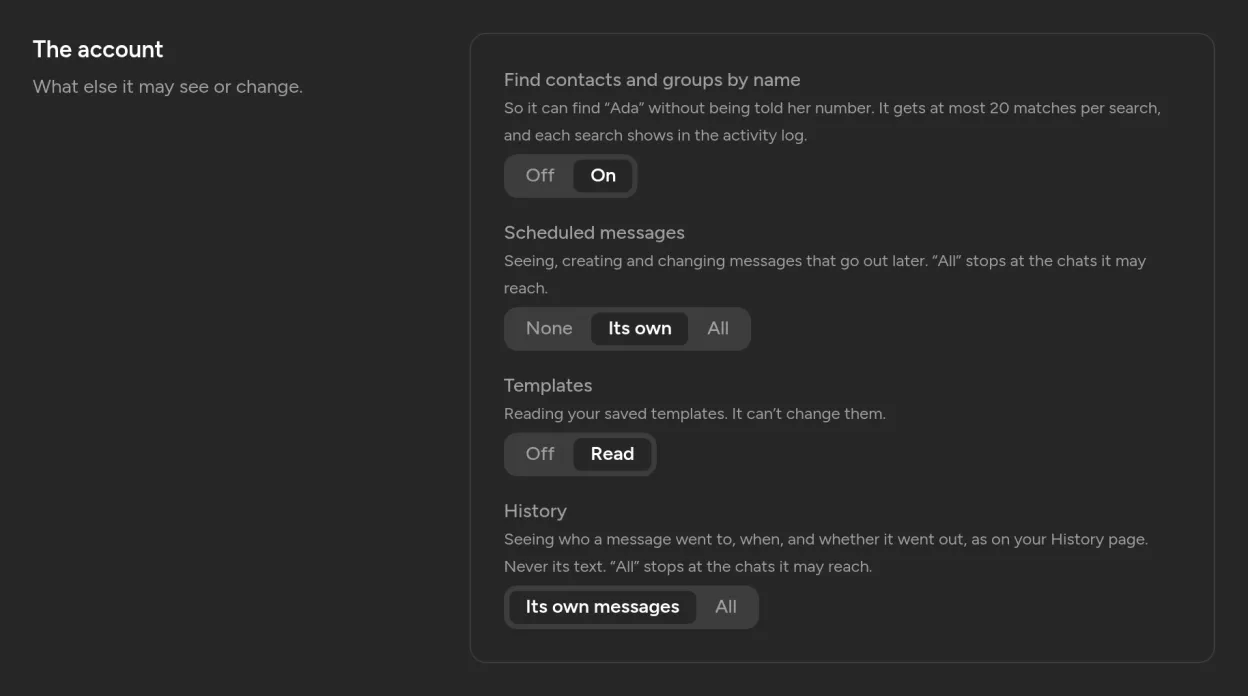
| Find contacts and groups by name | Off, On | Searching by part of a name, so it can find “Ada” without being told her number. It gets at most 20 matches a search, and each search shows in the activity log. |
| Scheduled messages | None, Its own, All | Seeing, creating and changing messages that go out later. With “All” it can change or delete the ones you scheduled yourself. |
| Templates | Off, Read | Reading your saved templates. It can’t change them. |
| History | Its own messages, All | Seeing who a message went to, when, and whether it went out. Never its text. |
Expiry
Section titled “Expiry”A connection made with an access key can be set to stop working after 1 to 365 days. The choice is made when the connection is created and can’t be changed afterwards. Once it has expired, the connection can’t be used again; revoke it and create a new one.


A connection made by signing in has no expiry.
Changing permissions
Section titled “Changing permissions”Open the connection, change what you want and choose Save permissions. Saving asks for your password and emails you. Renaming a connection needs neither.
New permissions apply from the agent’s next call. Requests that were already waiting for your approval stay as they were, and you can still approve them.
Warnings worth reading
Section titled “Warnings worth reading”The editor warns you when a choice removes you from the loop:
- “Yes” for sending means a message goes out without you seeing it first, so a mistake or a tricked agent goes out under your name.
- “Allowed” for unsaved numbers means a tricked agent could send your messages or contacts to a number you’ve never saved.
- Reading together with “Yes” means the agent reads what other people write and can send without asking, so a message written to trick it could make it send under your name.
Staying safe explains why these combinations matter.