
Approvals
When an agent has to ask first, its request waits on the Agents page with the recipient and the whole text until you approve, edit or reject it.
A request waits for you when the chat’s rule says “Ask me first”, or when the message is going to someone who isn’t a saved contact and that setting says “Ask me first”. It applies to sending a message, scheduling a new one, and changing a scheduled one. Deleting a scheduled message and switching one off never ask.
Answer a request
Section titled “Answer a request”Waiting requests sit at the top of the Agents page, and the navigation shows how many there are. A page you have open shows a new request at once, without a reload.
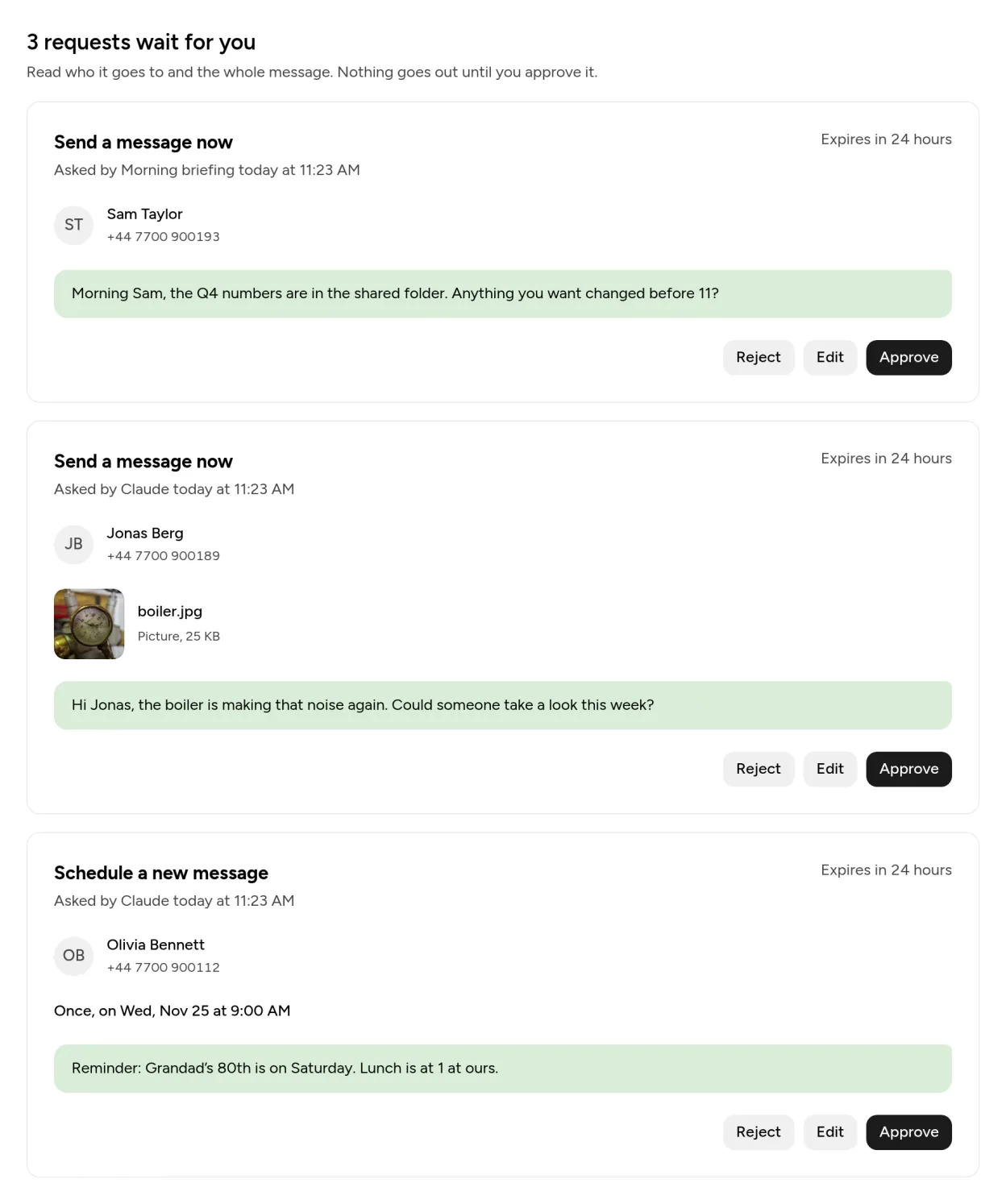
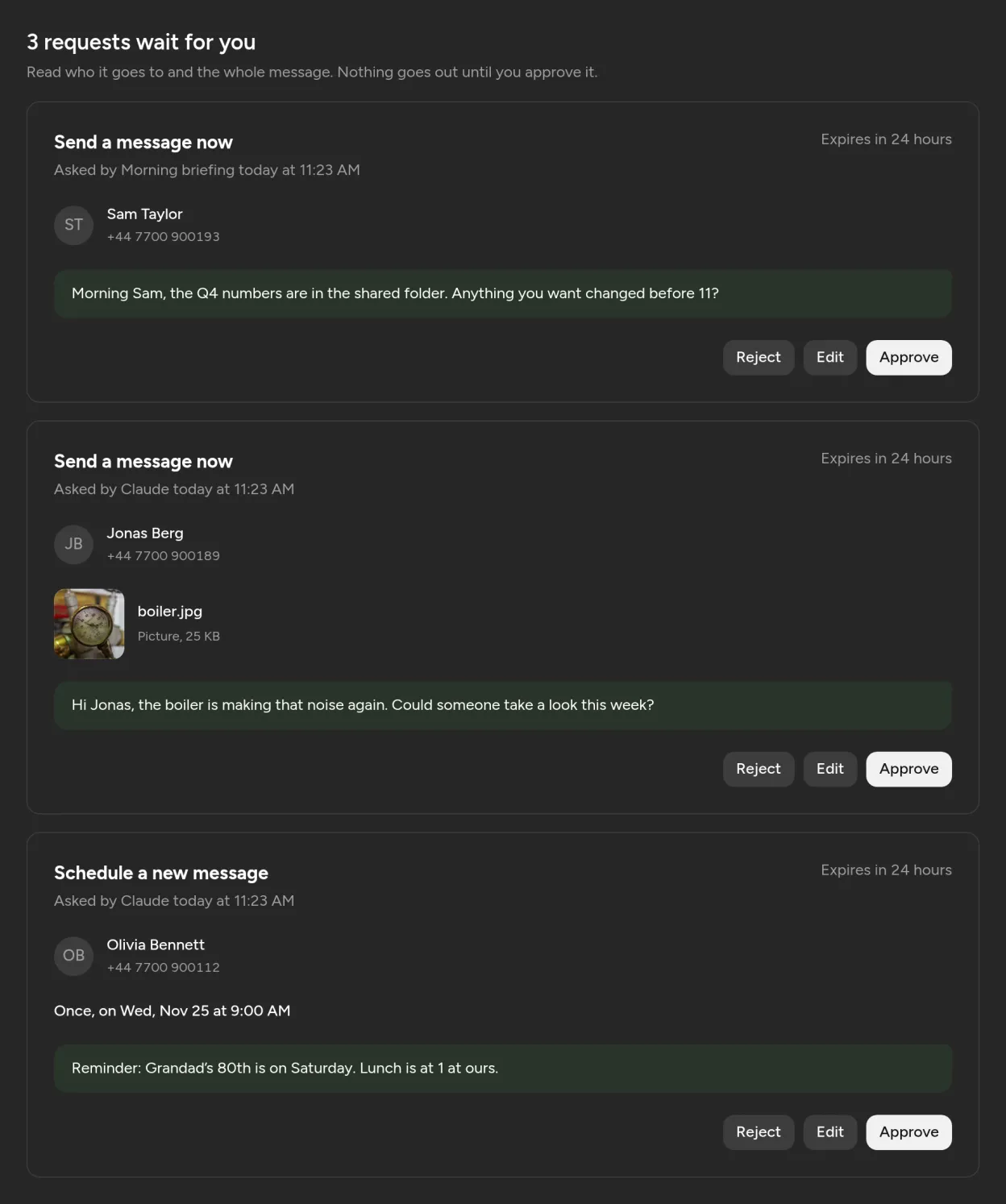
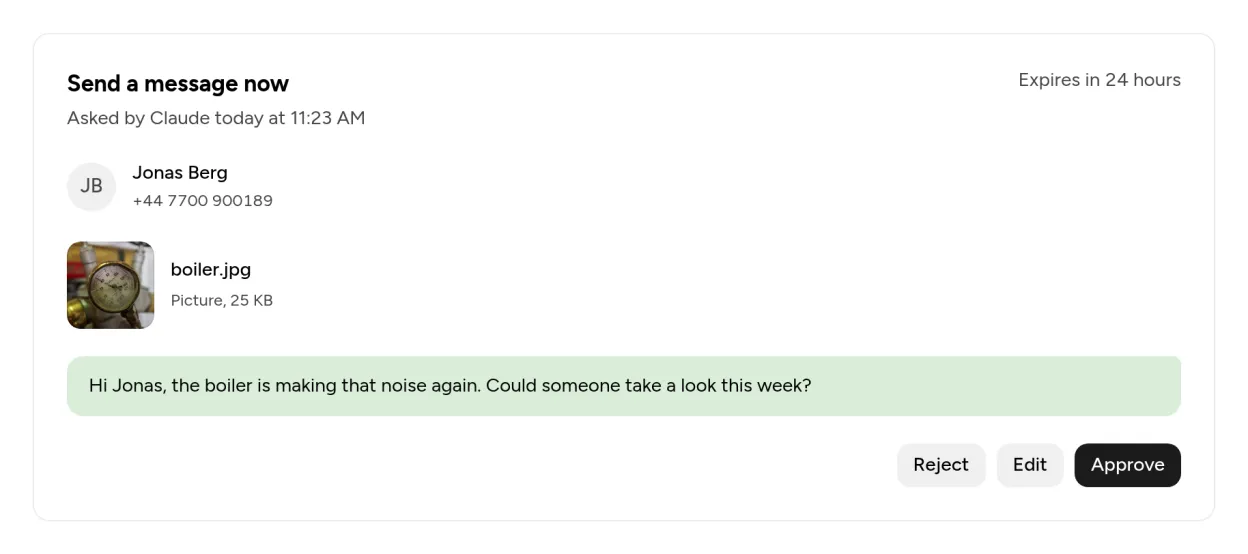
Each request shows who asked, who the message goes to, the timing if it’s a schedule, and the whole text. Characters that are hidden or unusual are marked in orange, since text can hide behind them, so read all of it.
You can:
- Approve it as written;
- Edit the text and then approve, which sends your version instead of the agent’s;
- Reject it, so nothing happens.
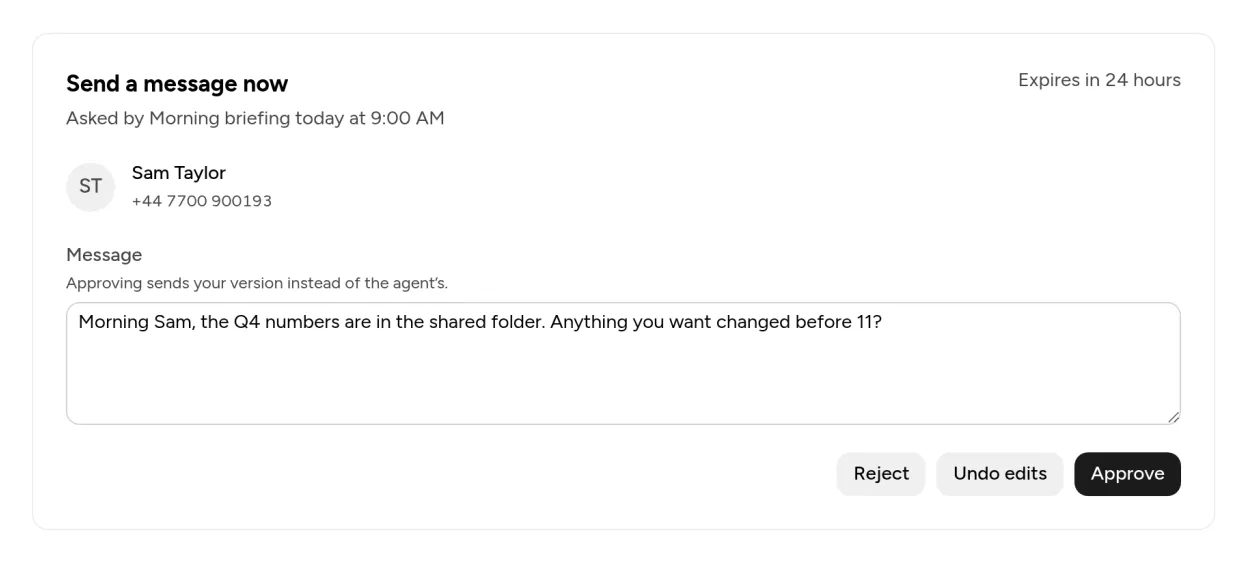
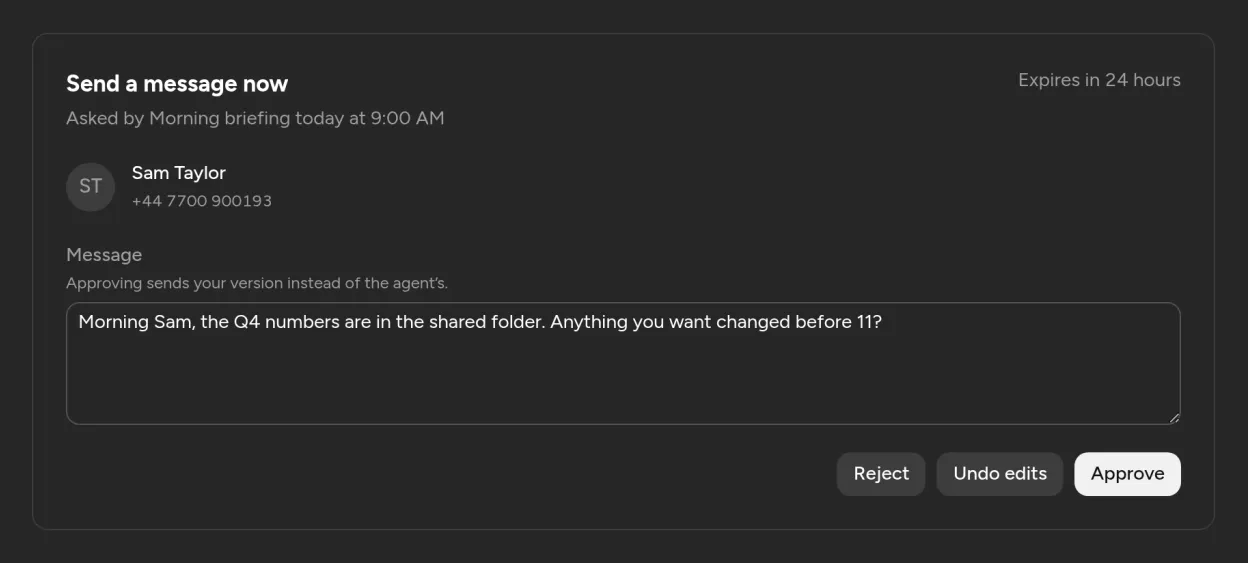
A request nobody answers expires after 24 hours.
An approval is final
Section titled “An approval is final”Approving sends the message or makes the schedule change, even if you’ve since paused the connection or tightened its permissions. A request from a connection that is no longer active says so on the card before you approve.
What is checked at that moment is whether the request can still be carried out. If it can’t, the card says why and the request stays waiting:
- the time it was to be sent has passed;
- WhatsApp isn’t linked, is paused or has stopped;
- the scheduled message it would change has been deleted, or was changed after the agent asked.
Variables such as {{date}} and {{time}} in an approved message are filled in when you approve it, not when the agent asked.
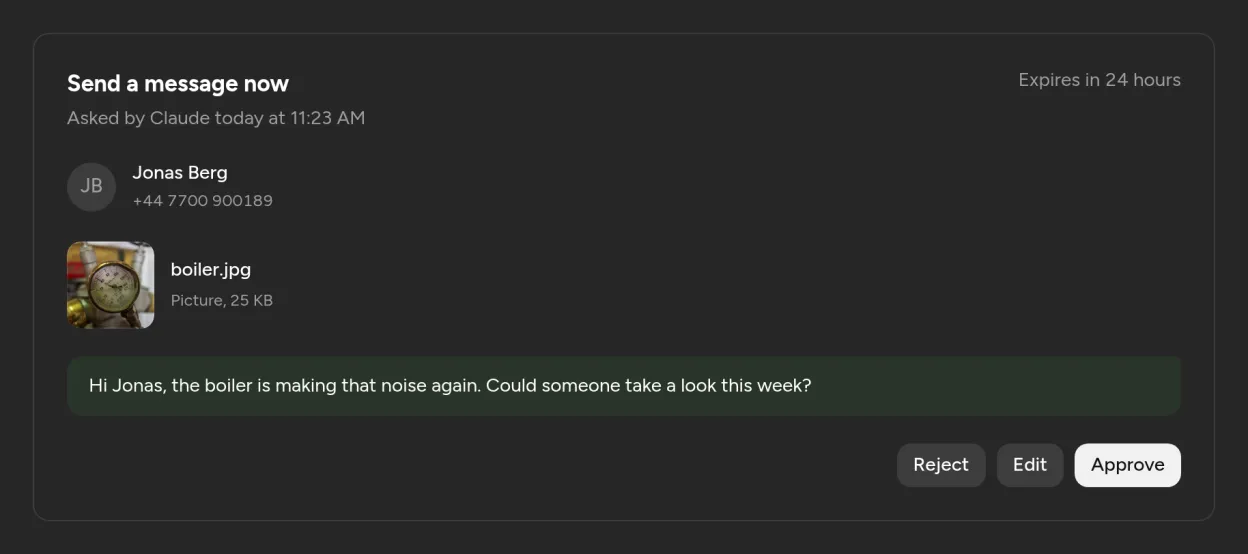
A message with a picture or file shows it on the card: a picture you can open full size, or a file to download. Its text is the caption, and editing it keeps the file. Whatomato holds the file, encrypted, only until the message goes out or the request is answered or expires.
How you hear about one
Section titled “How you hear about one”- Email. You get an email when a request arrives, unless another one arrived in the hour before. It names the agent, never the message, and links to the request.
- Browser notifications. Turn them on under Settings and every request notifies you, even while Whatomato isn’t open. See Notifications.
- The Agents page, which updates while it’s open.
A request can only be answered in Whatomato, not from the email or the notification.
What the agent sees
Section titled “What the agent sees”The agent is told the message is waiting and gets a link to the request to pass on to you. It can check later whether you approved, rejected or ignored it, and for an approved message whether it went out. It can’t approve anything itself.
A connection can have at most 20 requests waiting. Past that, a new one is refused until you’ve answered some.
Earlier requests
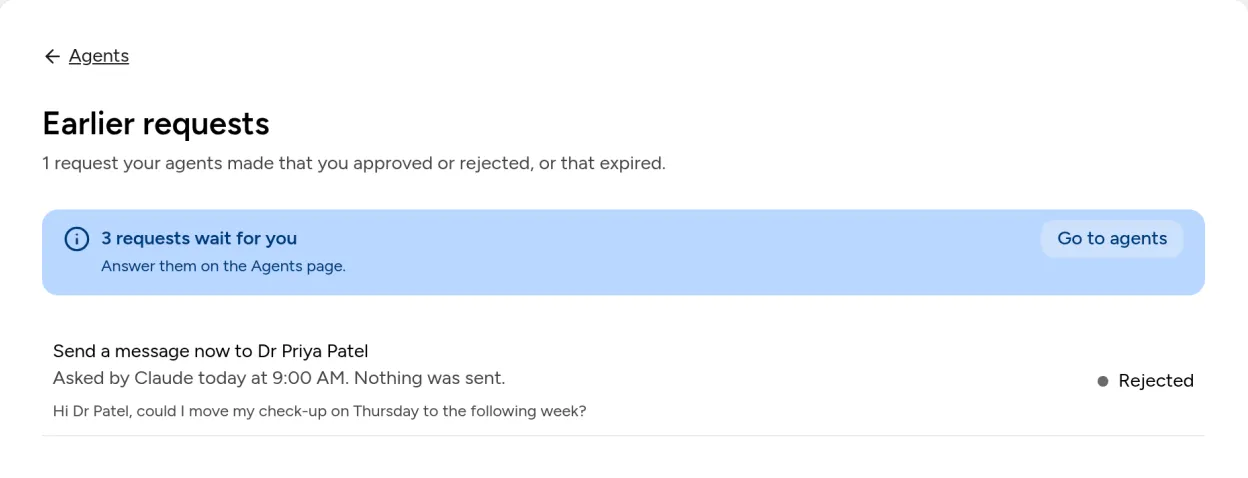
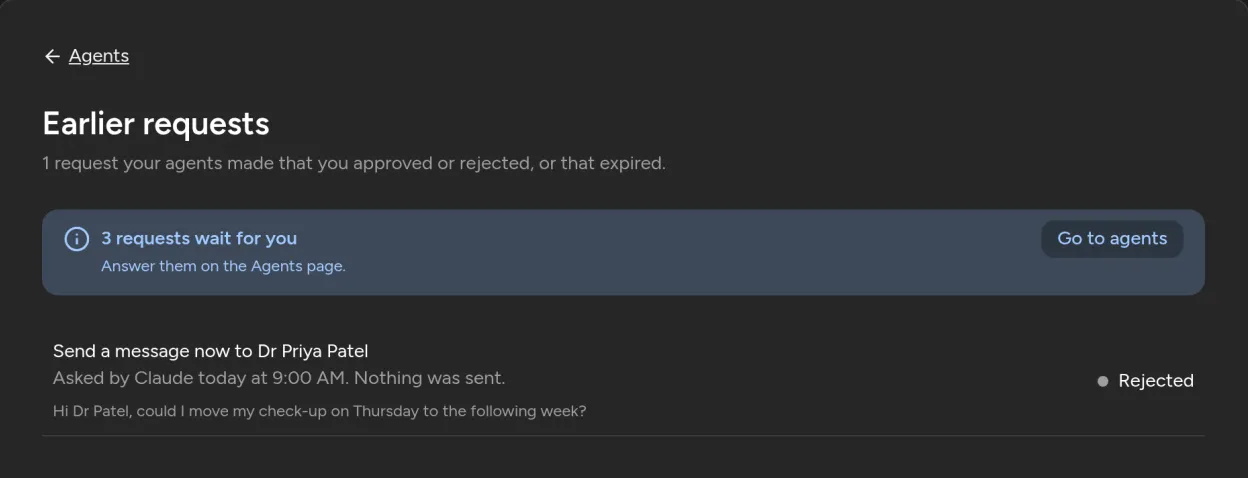
Section titled “Earlier requests”Earlier requests on the Agents page lists what you approved or rejected and what expired, with the text and what became of it.
Revoking a connection deletes its requests, the answered ones included.